How to display an XTE Cross Track Error path?
- Francis
- janvier 13, 2026
You can display a path on the screen showing the maximum cross track error that should not be exceeded.
In the NavimetriX Settings, select the “Alarms” function, set the XTE course deviation to the maximum desired distance on either side of the activated route to a waypoint, then activate the alarm. This instantly displays the XTE zone delimited by red (port) and green (starboard) dotted lines:
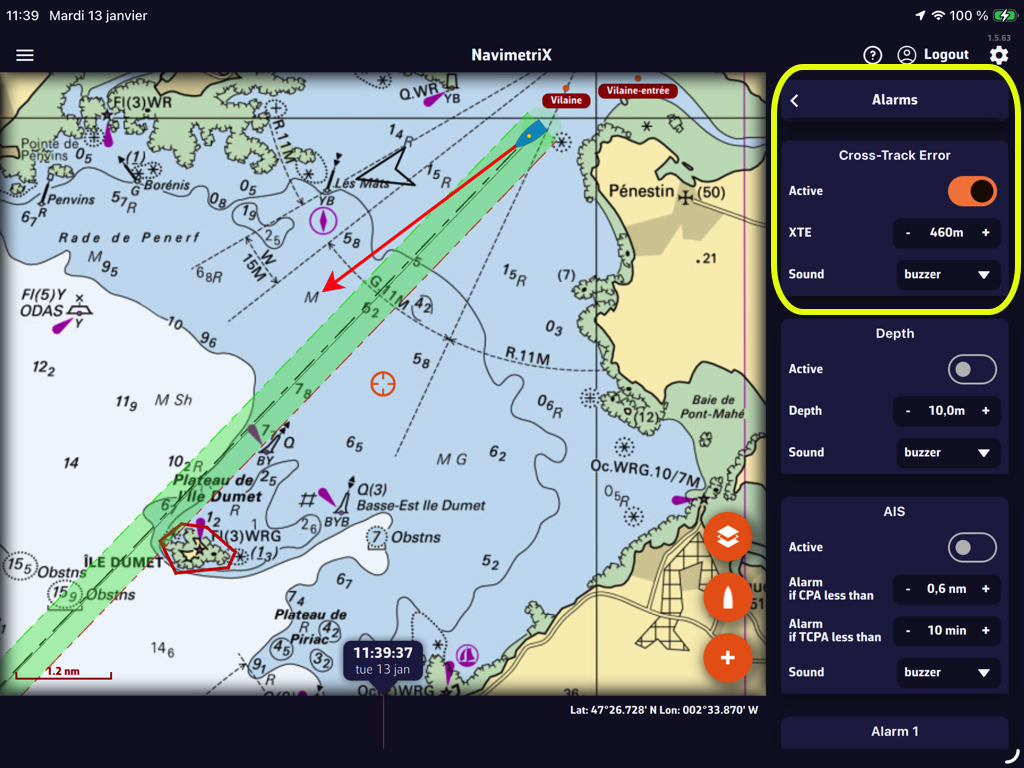
In that example, the value “460m” creates a corridor of 920 meters, or about half a nautical mile. You can select the audible alarm that suits you from the “Sound” drop-down menu.
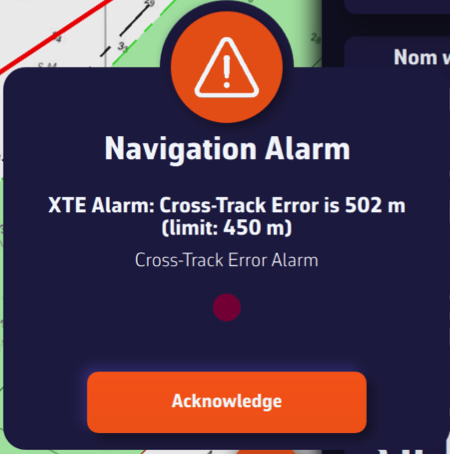
Leaving the “corridor” triggers an audible and visual alarm that you can disable by tapping/clicking on the “Acknowledge” button: