To rename a GRIB file, in the GRIBs tab, do a long click or long press on its name: the name becomes editable and the keyboard appears.
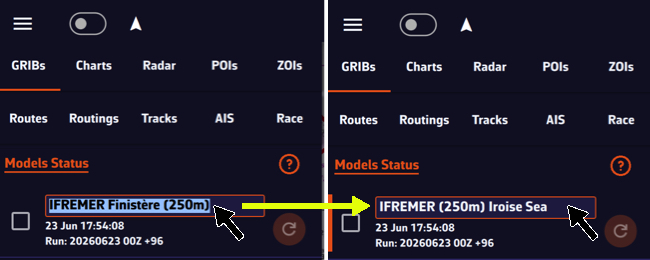
You can also tap the row’s ⋮ button, then Rename: the Rename GRIB window opens.
The name will be preserved during updates and synchronization. An empty name gives the file back the model’s name.
GRIBs downloaded with the magic wand (Suggested models) can also get a Zone name (8 characters at most), shown in front of the model name as long as you do not rename them.