The SHOM Tidal Current Atlas can be used for routing, in addition to GRIB format models (¹): in the routing window (+ button, then Calculate Routing), choose SHOM atlases on the Current line.
The Atlas data can also be displayed on the chart, as particles or arrows.

Tap or click the round orange layers button, then tick Current atlases:
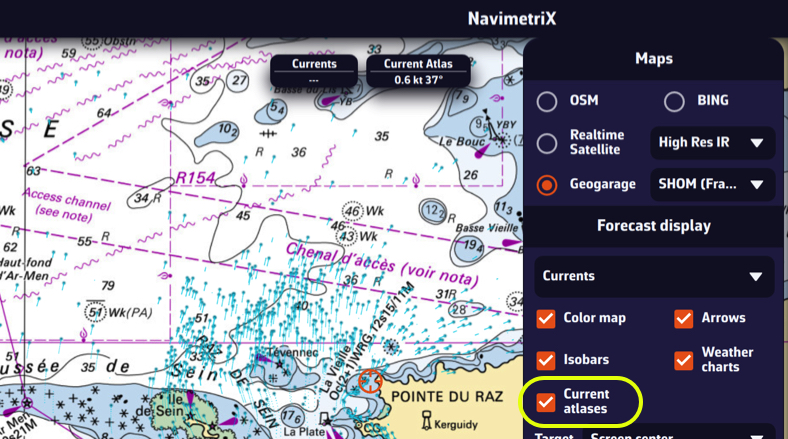
The choice between particles and arrows, and the density, are set in Settings (chevron handle (‹) on the right edge of the screen), Forecast display, Currents section: Currents display and Particle density. These settings apply to the atlas as well as to GRIB currents.
You can overlay this display with a high-resolution GRIB from Ifremer, for example, in order to compare them by dragging the timeline:
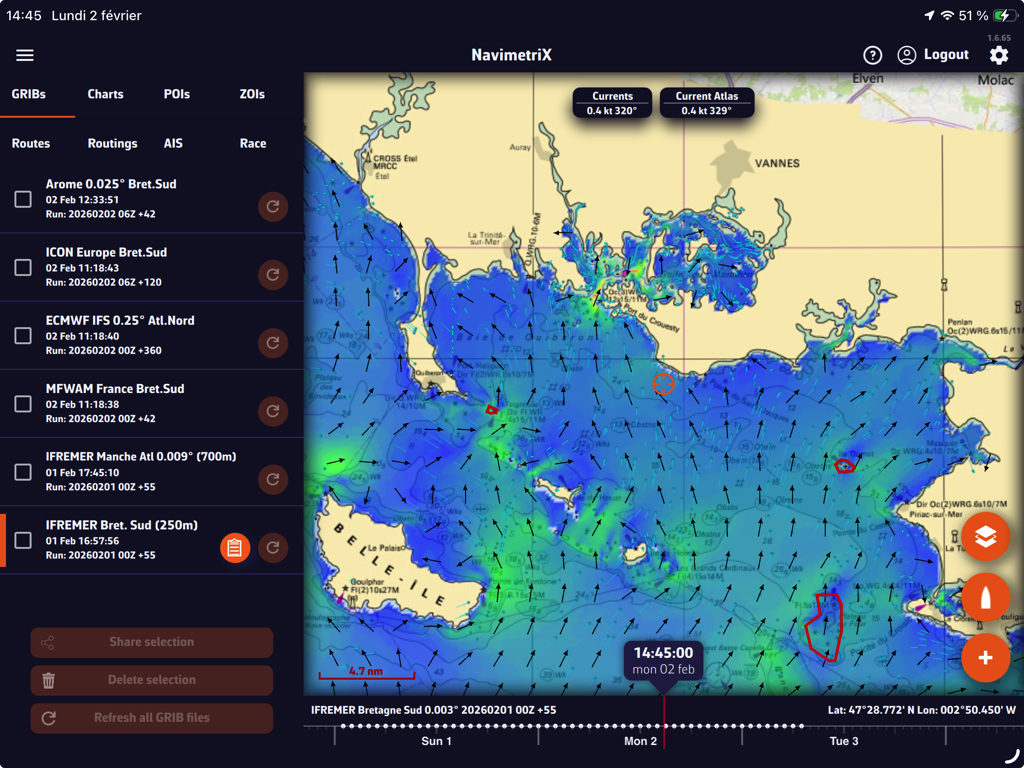
Tip: adjust the zoom according to the circumstances for better readability.
(¹) See: How do I calculate a routing?