If your boat is ORC rated, its polar already exists: it is in the certificate. NavimetriX fetches it for you.
- My boat tab, tap the selected polar.
- Open the ORC tab.
- Type whatever you know: a sail number, a boat name, or a class name — "Sun Fast 3200" returns every rated Sun Fast 3200.
- Pick the certificate from the list and import.
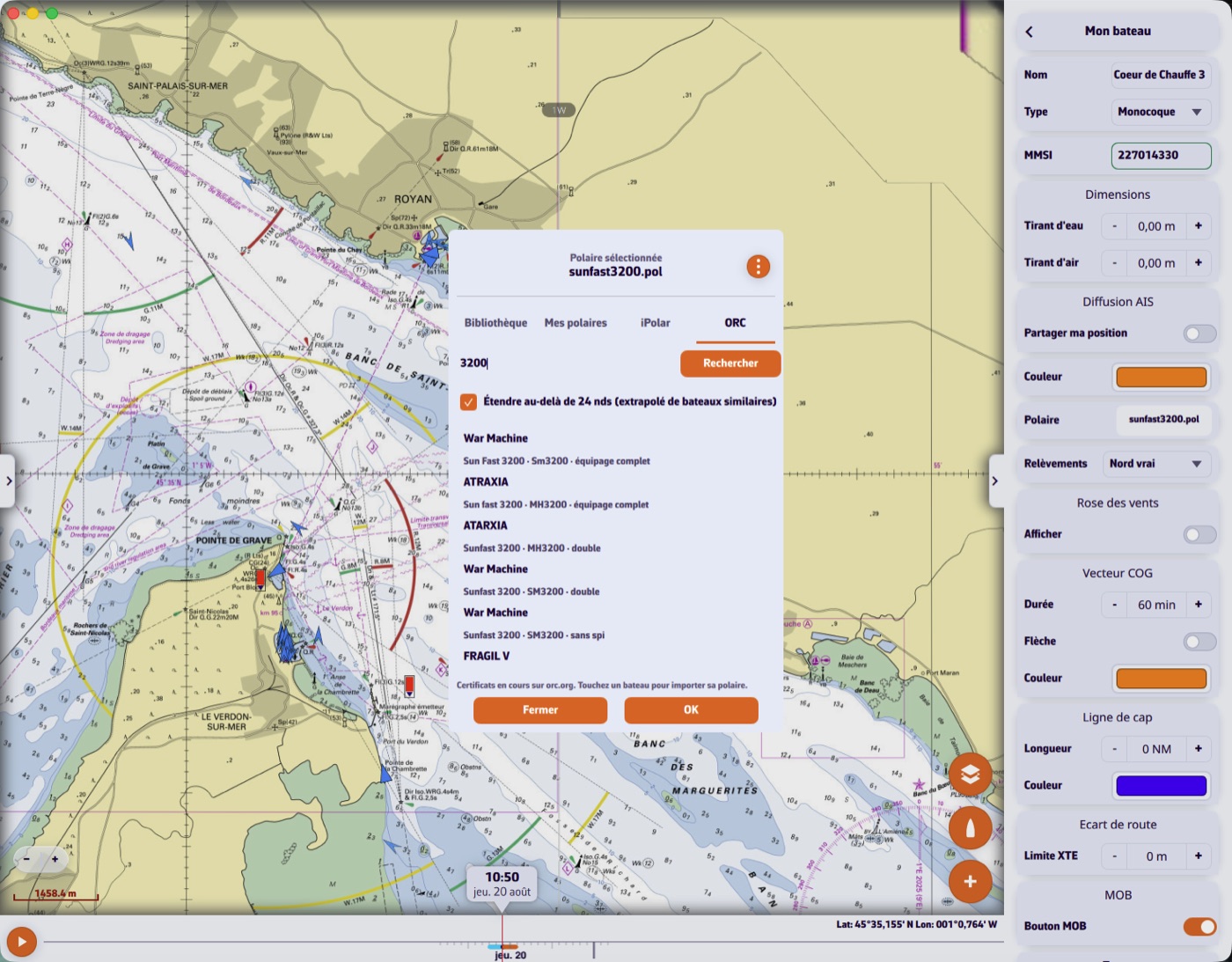
What you will see in the list
One boat can hold several certificates, and they are not equivalent: full crew, double-handed, non-spinnaker. The family is spelled out so you take the right one.
Beyond 24 knots
An ORC certificate stops at 24 knots of wind and starts at 4. A checkbox, on by default, extends the polar to 60 knots.
This is not blind extrapolation: the app looks in its library for the boats whose speeds most resemble yours over the shared range, then applies their heavy-weather behaviour. The generated columns are marked as extrapolated and stay editable.
The certificate's provenance — sail number, family, issue date, crew weight — is kept and shown with the polar.