Import POIs
Open the left panel with the chevron handle on the left edge of the screen, then select the POIs tab. Tap the Import button (down arrow) at the bottom of the panel.
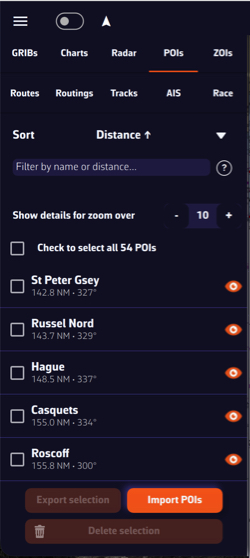
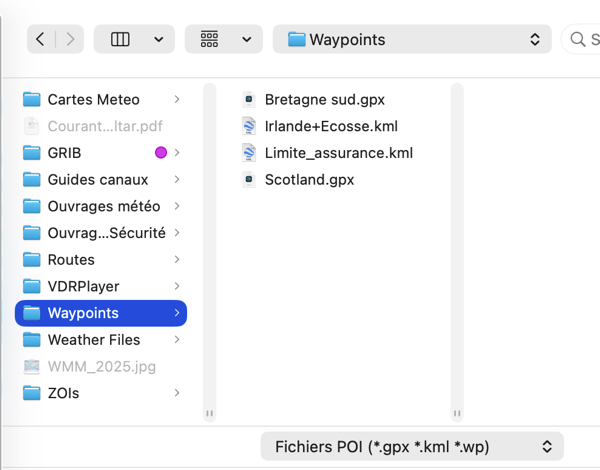
You can import POIs in GPX, KML and WP format (format used by Adrena). Several files can be imported at once. POIs already in your list are not imported a second time.
Import routes
In the left panel, select the Routes tab, then tap the Import button at the bottom of the panel.
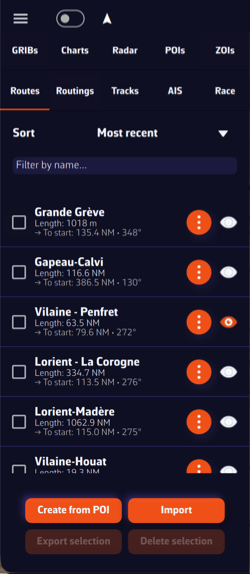
You can import routes in GPX, KML, RT (format used by Adrena) and RTZ (the route exchange format of ECDIS) format.
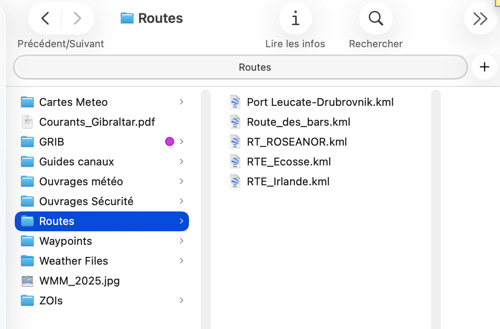
The “Export” buttons (“Share” on a smartphone or tablet) of the same tabs do the reverse for the ticked items: POIs as GPX or KML, routes as GPX, KML, RT or RTZ.