To start navigation toward a POI (or waypoint):
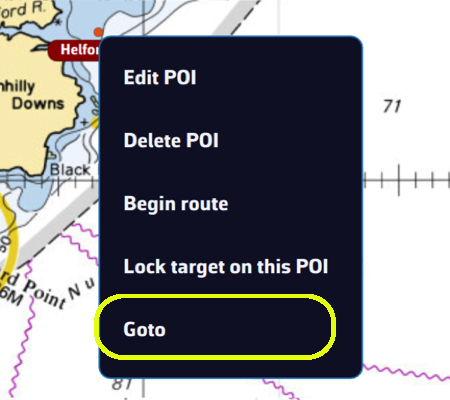
💻 On a computer: click the POI you previously saved, then select Goto from the menu. Confirm that you want to navigate to this POI.
📱 On a smartphone or tablet: tap the POI, then select Goto and confirm navigation.
Once the POI is selected, if Navigation mode is on (Navigation switch at the top of the left panel, reserved for the Premium subscription) and your boat (your GPS) is at sea, a black dashed line is drawn between your boat and the POI.
If you are following a route, starting a “Goto” stops the route tracking: you then navigate to the chosen POI.
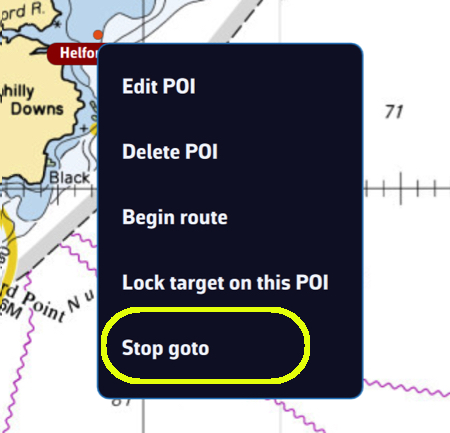
To stop navigation, tap or click again on the POI you are navigating to, then choose Stop goto from the menu and confirm.