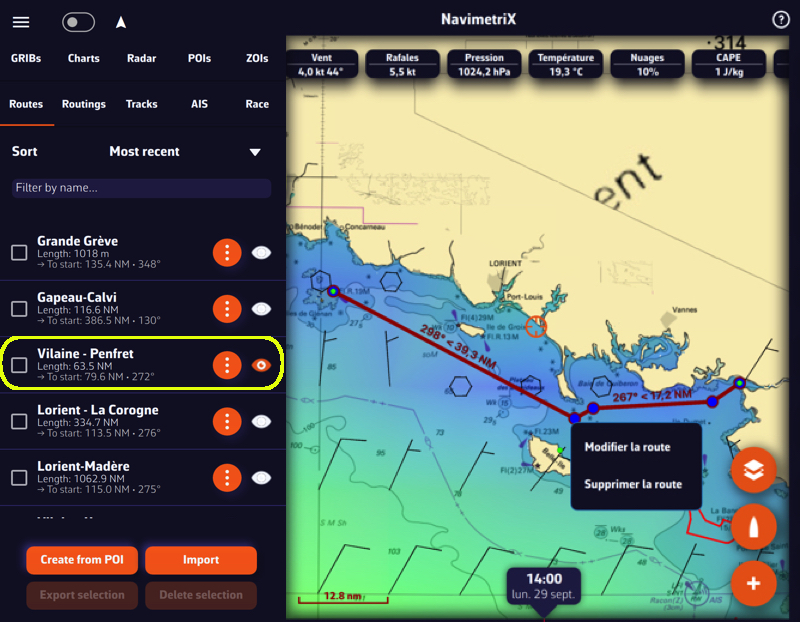
Open the left sidebar and select the “Routes” section. Display the route on the map by activating the “eye” symbol, then tap or right-click (depending on your device) on any part of the route. In the menu that appears, choose the option “Edit route”.
Below, the procedure on a smartphone:
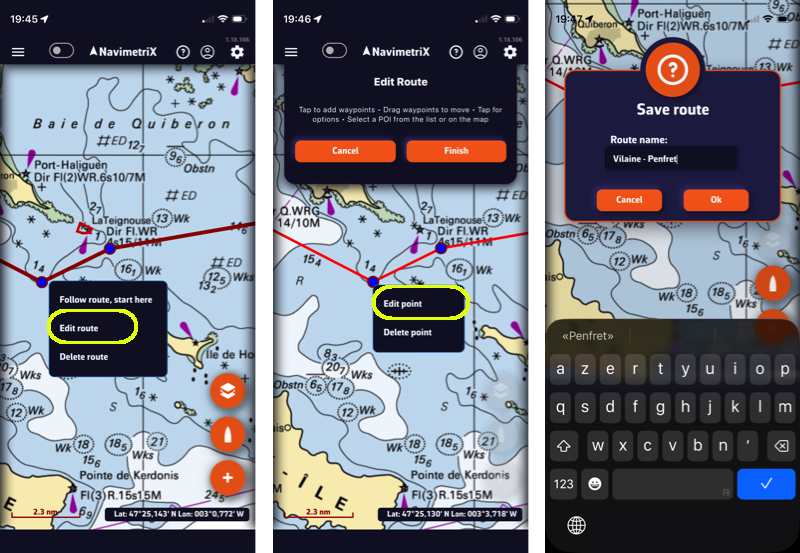
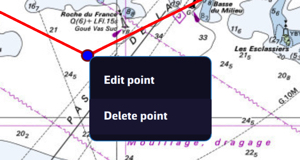
You can then drag points on the map to move them, add new ones by tapping on a segment of the route, and edit or delete any existing route point.
———
See also: How do I create a route?