By default, the target is placed in the center of the screen, allowing you to drag the map underneath it and use the zoom to position it at a specific location.
However, you can lock the target to other elements, or even disable it.

Tap/click on the layers button.
In the “Target” drop-down menu, select which element you want to lock the target to:
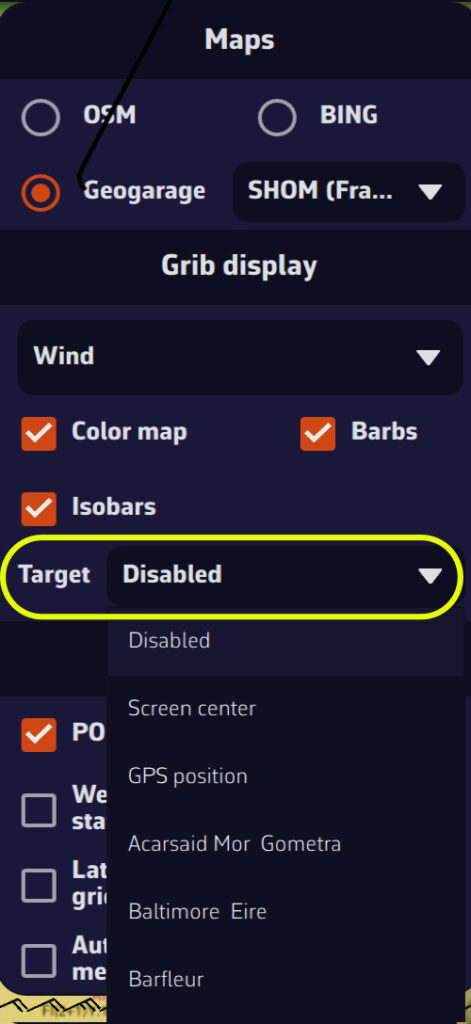
- Disabled (to remove the target from the screen)
- Screen center (to place it to its original location)
- GPS position (to place it on your boat)
- A POI
You can also lock the target onto a POI by editing it.