I lost my password, how do I reset it?
- Requirements: You must have subscribed to the Premium option and created an account on the device used to take out the subscription.
- Press “👤 My Account” at the top right.
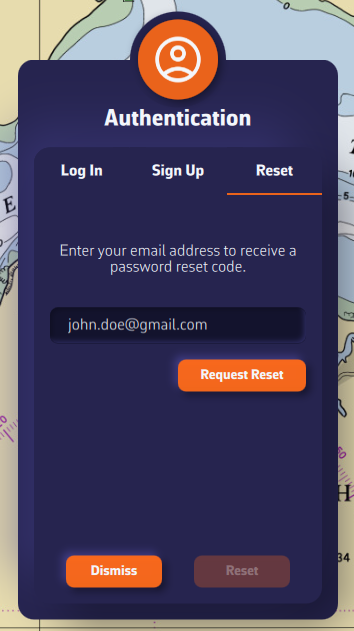
- Go to the Reset tab in the Authentication menu.
- Enter the email address of your NavimetriX account and press Request Reset.
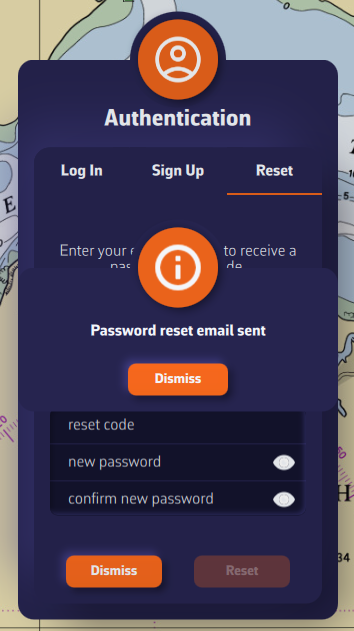
- An email is sent to your inbox — press Dismiss on the information window.
- Enter the reset code and the new password.
- Press the Reset button.