Before writing to us, please check the FAQs — you’ll probably find the answer to your question 😉.
There’s no need to browse through all the FAQs one by one: you can search within the FAQs, so don’t hesitate to use the search bar!
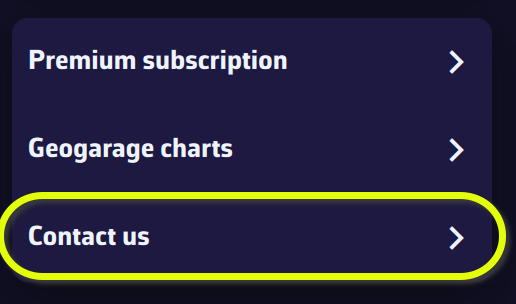
- If you are using the app, please use the “Contact us” menu option in Settings. An email will automatically be prepared with some technical data, and a "log" file in attachment (*), that will help us respond to you. Please be specific in your questions and don’t hesitate to attach screenshots.
- Otherwise, please use the contact form on this website.
(*) For Windows and macOS, if the log file isn't attached to the email, you can add it manually; it can be found here:
- Windows:
C:\Users[your username]\AppData\Local\Soft4Sail\NavimetriX\logs\navimetrix.log
- macOS:
~/Users/[your username]/Library/Containers/navimetrix/Data/Library/Application Support/Soft4Sail/NavimetriX/logs/navimetrix.log