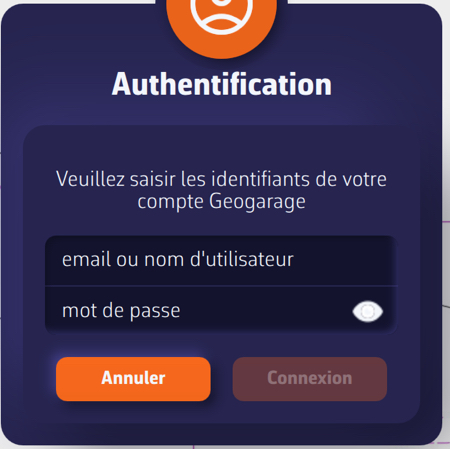
In NavimetriX Settings (chevron handle (‹) on the right edge of the screen), Geogarage charts page, sign in by tapping the “Login” button and entering your Geogarage account credentials: email address or username, and password.
If you forget your password, the “Forgot password” link in the login window opens the Geogarage website. On iPhone, iPad and Mac, this link is called “Need help” and opens the page How can I obtain nautical charts?
Once you are signed in, the button changes to “Logout”. Without an Internet connection, it shows “Offline”.

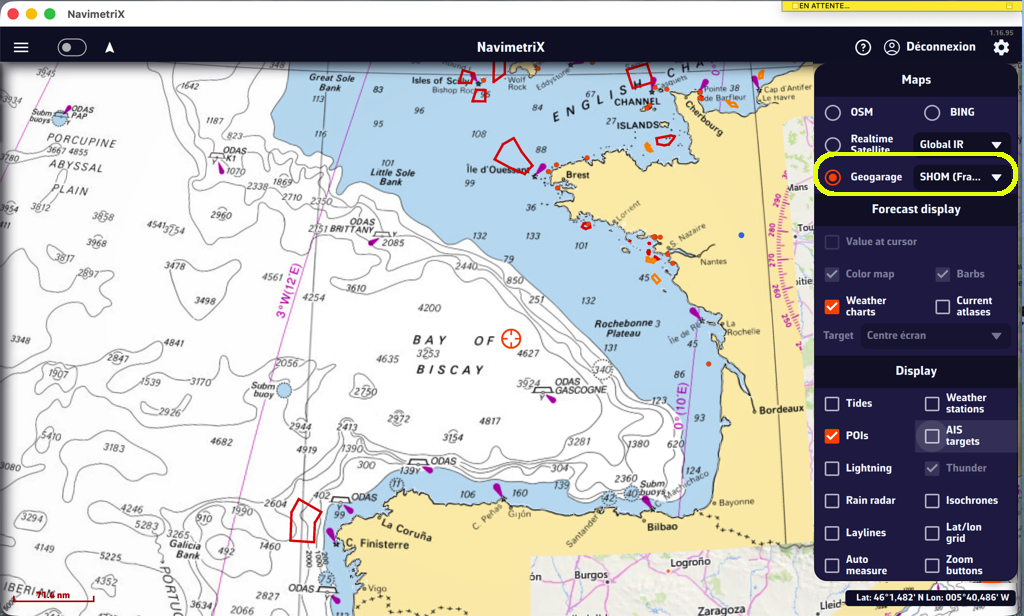
Then tap the orange round layers button. In the “Maps” section, select Geogarage, then choose your subscribed chart (or one of them) from the list next to it, for example UKHO. This row only appears once you are signed in, if your account has at least one subscription. The chart displays instantly while connected to the Internet; to sail without a network, download offline zones (see How do I download charts for offline use?).
You can also choose the chart in Settings > Geogarage charts, “Layer” list.