You need a free C-MAP account to buy your X-Charts and use them in NavimetriX. It is the same account for both.
- Open the store: xstore.c-map.com.
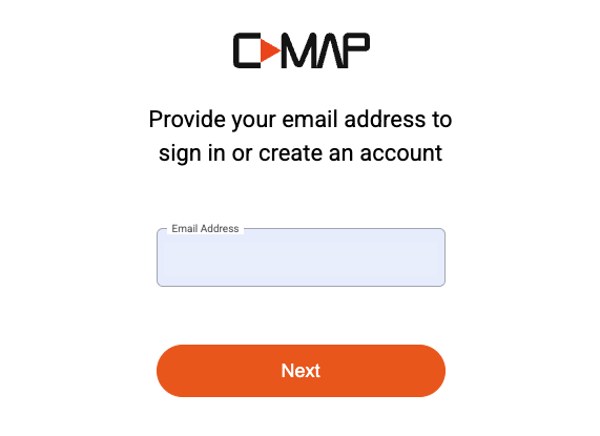
- Click "Sign in" (or let C-MAP ask you when you pay). The sign-in page opens: xstore.c-map.com/auth/login.
- Enter your email address. The same page is used to sign in or create an account: if the address is new, follow the steps to create the account.
Remember this email and password: you will enter them in NavimetriX (see How do I download a C-MAP zone in NavimetriX?).
For your charts, remember that only X-Charts work.