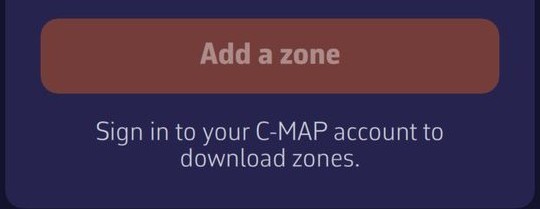
In "C-MAP charts" → "My Charts", the "Add a zone" button is only active if you are signed in to your C-MAP account, this device is registered and the account has at least one chart. When it is greyed out, a line under the button gives the reason:
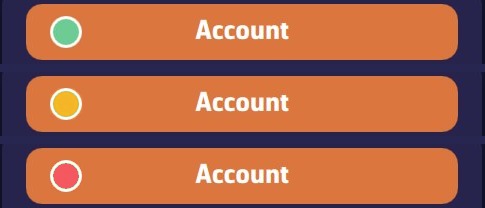
- "Sign in to your C-MAP account to download zones." Tap "Account", then "Sign in to C-MAP" and enter the email address and password of your C-MAP account. The dot on the "Account" button is red.
- "The registration of this device is not confirmed: zones cannot be downloaded yet." The dot is orange. In "Account", tap "Register this device"; if your 2 places for computers or chart plotters are taken, see On how many devices can I use my C-MAP chart?
- "No C-MAP chart licence found on your account." The account holds no chart: buy an X-Chart with this same account. A chart of an earlier generation does not work.
The dot on the "Account" button shows the status at a glance: green = signed in and device registered (you can download new zones); orange = signed in, but the registration of the device is not confirmed (for example if C-MAP does not respond); red = not signed in. Reminder: zones you have already downloaded are displayed in all cases: only downloading new zones depends on it.