The compatible C-MAP charts, the X-Charts (DISCOVER X and REVEAL X), are sold on the store: xstore.c-map.com/charts. C-MAP has several websites; this is the one that sells the X charts as a Digital License. You need a C-MAP account (free).
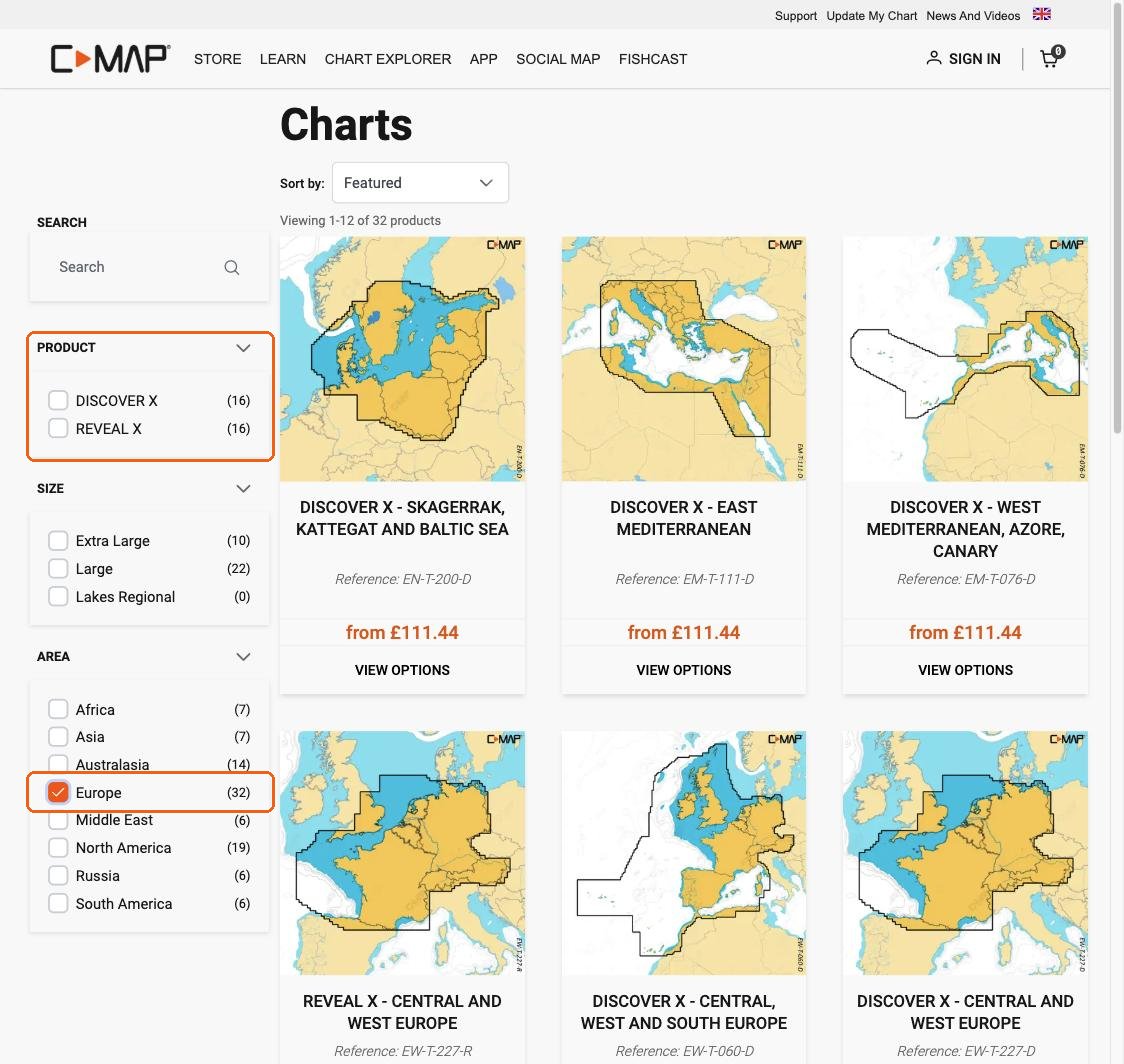
Step 1: filter. On the left, filter by Product (DISCOVER X or REVEAL X) and by Area. The flag at the top right changes the country, the language and the currency.
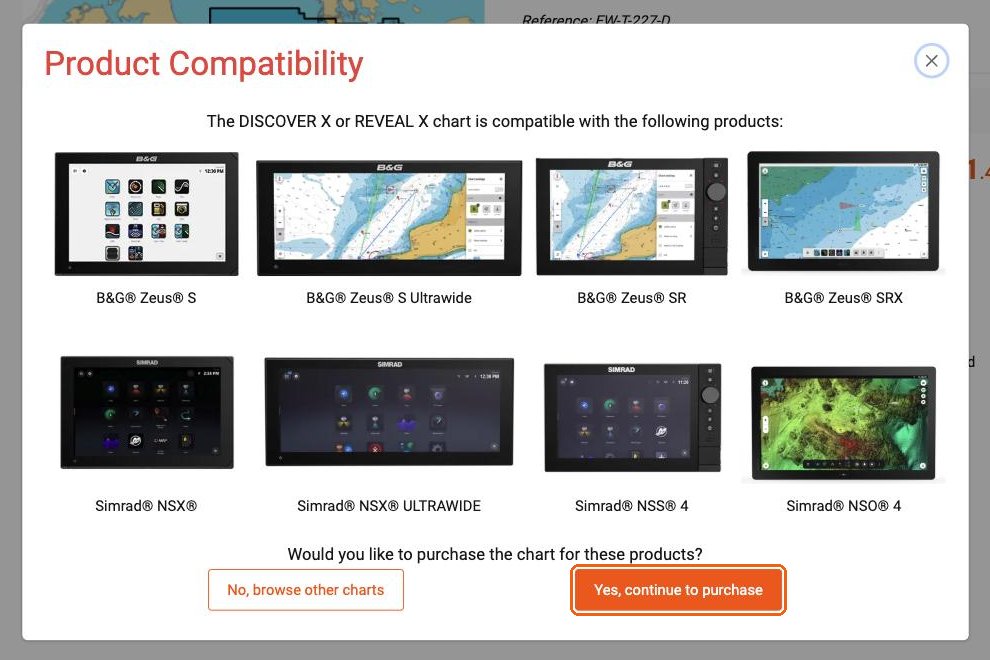
Step 2: skip the "Product Compatibility" window. The first time, C-MAP shows a window that only lists B&G and Simrad chart plotters. NavimetriX is not in this list, but it is compatible. Click "Yes, continue to purchase".
Step 3: choose "Digital License". On the product page, next to "Media Type", select Digital License, not Micro SD. The line "System requirement: a compatible chart plotter is required" does not apply to NavimetriX. Click "Add to cart" and pay.
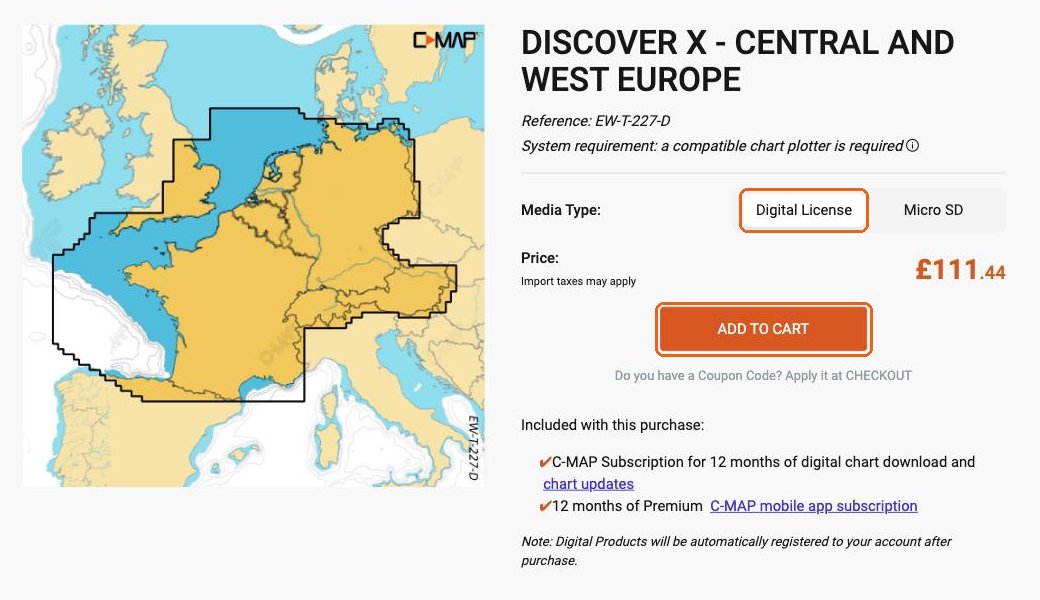
After the purchase, the chart is added to your C-MAP account automatically. The purchase also includes a subscription to C-MAP's Premium mobile app: you do not need it to use your chart in NavimetriX.
The price includes 12 months of downloads and updates. The second year and the following ones are half price.
To check the coverage before you buy, see Which C-MAP charts work in NavimetriX?